Bring a live game studio into your school.
Vibe for fun is a five-session live online studio where students design, build and publish their own playable game. Groups are small, every session ends with something that runs, and an instructor is on the call the whole time. It fits inside a school year as an after-school lab, a project week or a short curricular module.
View the presentation →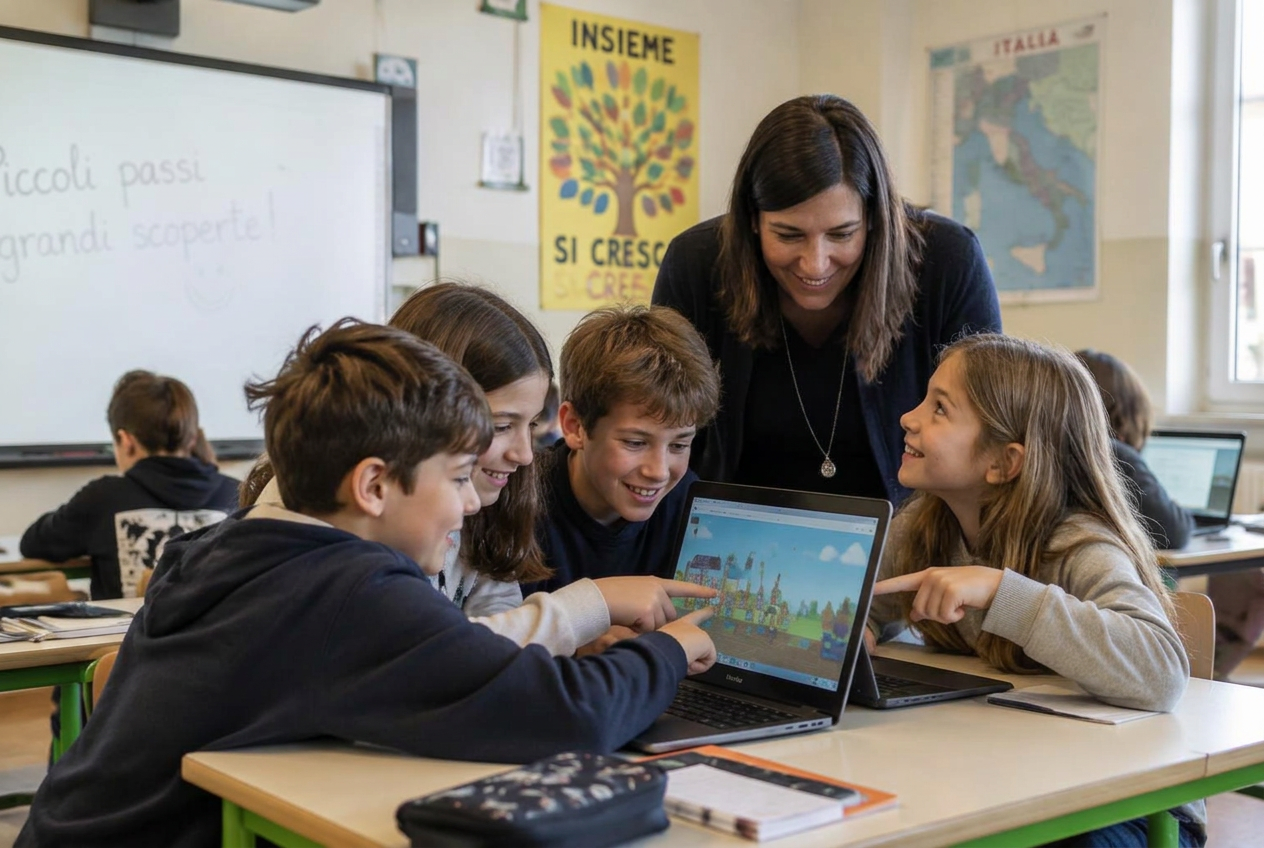
In primary school (ages 7–10)
A five-session path built around one simple game per student: an idea, a character, a goal, a challenge, and a Game Night where families play what the class made.
- Fits as an extracurricular afternoon lab, a project week, or an enrichment activity inside the school's educational offer.
- Connects directly to digital education, storytelling and early problem solving.
- No typing-heavy coding: students describe what they want in plain language and learn to break an idea into steps.
- Each session ends with a playable build, so progress is visible to teachers and parents from week one.
In lower secondary school (ages 10–13)
The same five sessions with a more demanding brief: rules, difficulty balancing, testing with classmates and a short presentation of the finished game.
- Links to technology and computer science, language arts through narrative design, and maths through logic, coordinates and simple variables.
- Works as a curricular module inside technology hours, or as an extracurricular course in the afternoon.
- Useful for orientation: students see what making software actually involves, in a form they can finish.
- Group work with defined roles — designer, tester, presenter — and a public result at the end.
What students get out of it
- Computational thinking without the syntax barrier — the concepts stay, the frustration of typing code does not.
- A finished artefact to show at open days, class exhibitions and parent meetings.
- Iteration habits: build, playtest, fix, ship — feedback from real players instead of a grade only.
- Inclusion: students who struggle with written code, spelling or reading speed can still design and ship a full game.
- Motivation and autonomy, because the work belongs to them and other people actually play it.
Teacher training
We also run a short training path for teachers on using the same tools as a teaching aid, independently of the student course.
- Build small interactive activities and mini-games for your own subject — quizzes, simulations, revision games.
- Use AI tools consciously and safely in class: what they do well, where they fail, how to check their output with students.
- Run a studio-style lab: how to structure sessions, manage groups, and assess a project instead of a test.
- Short online format, live, with materials and examples you can reuse the week after.
Format and requirements
- 5 live online sessions of 60 minutes, small groups of six students.
- One computer per student, or one shared between two; a modern browser and a stable connection.
- No installation: everything runs in the browser.
- Sessions are not recorded; the teacher of the class is welcome on the call.
- Scheduling agreed with the school — in school hours or in the afternoon.
Talk to us
Tell us the school level, the number of classes and when you'd like to start — we reply with a proposal and can run a short demo session for teachers.
Contact usLimited to 10 classes for the 2026/27 school year