- Kids 7–13
- Safe AI
- Six per group
Live online game studio for kids 7–13 · Six kids per group
Your kid ships a real game on day one.
Not a coding course that gets fun in week six. But a creative studio: your kid describes the game they've been imagining, builds it live with an instructor, and walks away with a playable game.
$49 holds the seat and comes off the $199 total. Full refund after session one if your kid doesn't want to come back.
Session 1 — Maya, age 11. First 40 minutes.
- Mayamake a game where a cute cat jumps between floating islands and collects coins
- Mayamake the jump higher and add a second island that moves
- Mayaif the cat falls, start over — and put the score at the top
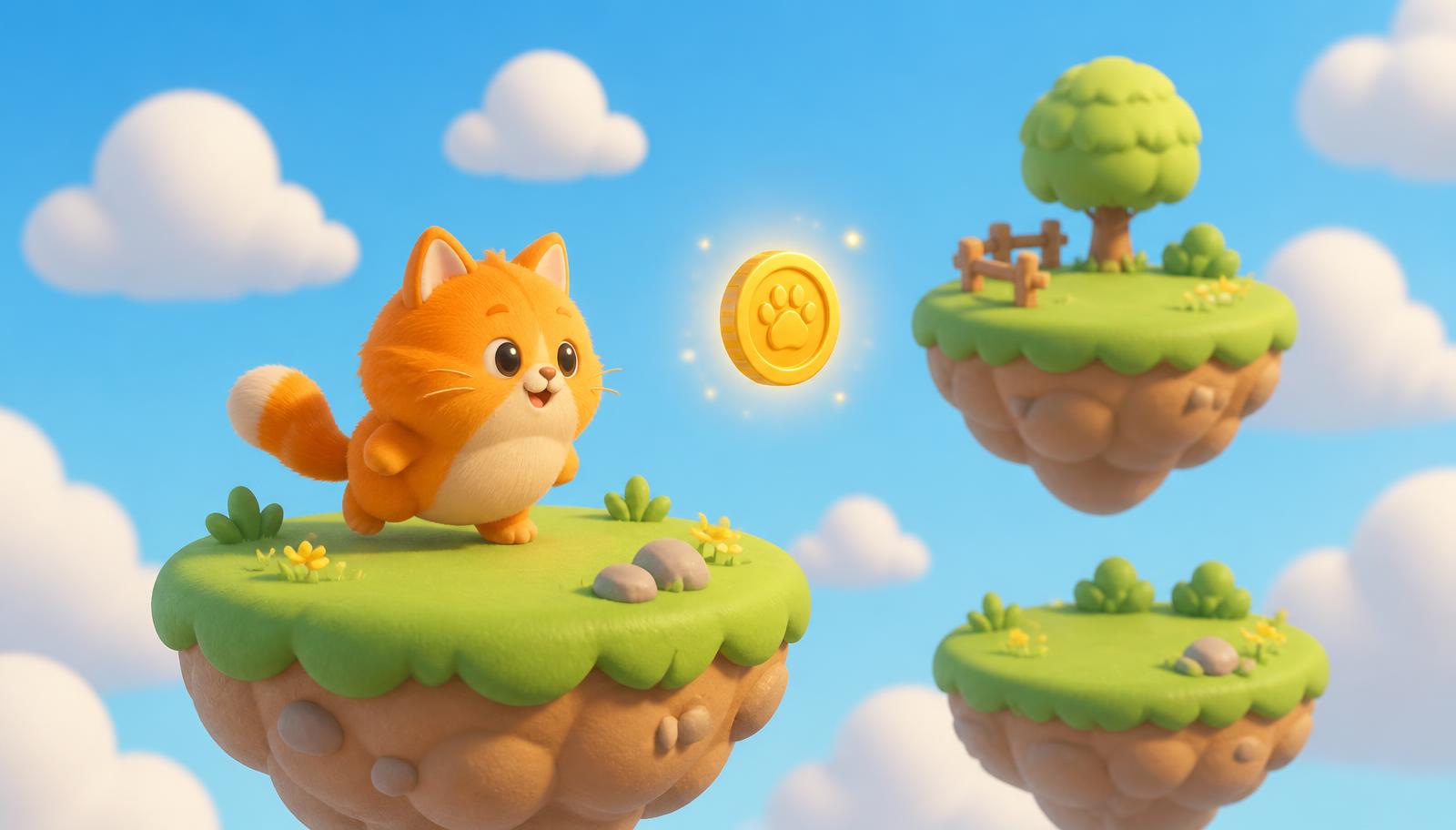 SCORE 0
Illustration of a first session. Real student work goes here once our first cohort ships.
The first hour, exactly.
Every kid arrives with one sentence about a game they want to exist. Fifteen minutes to pitch it to the group and cut it down to something that can ship today. Thirty minutes building it — describing what should happen, watching it happen, fixing what came out wrong. Ten minutes playing each other's games and saying what felt good and what didn't.
That's the rule: no session ends without something playable. Not a lesson finished — a game that exists.
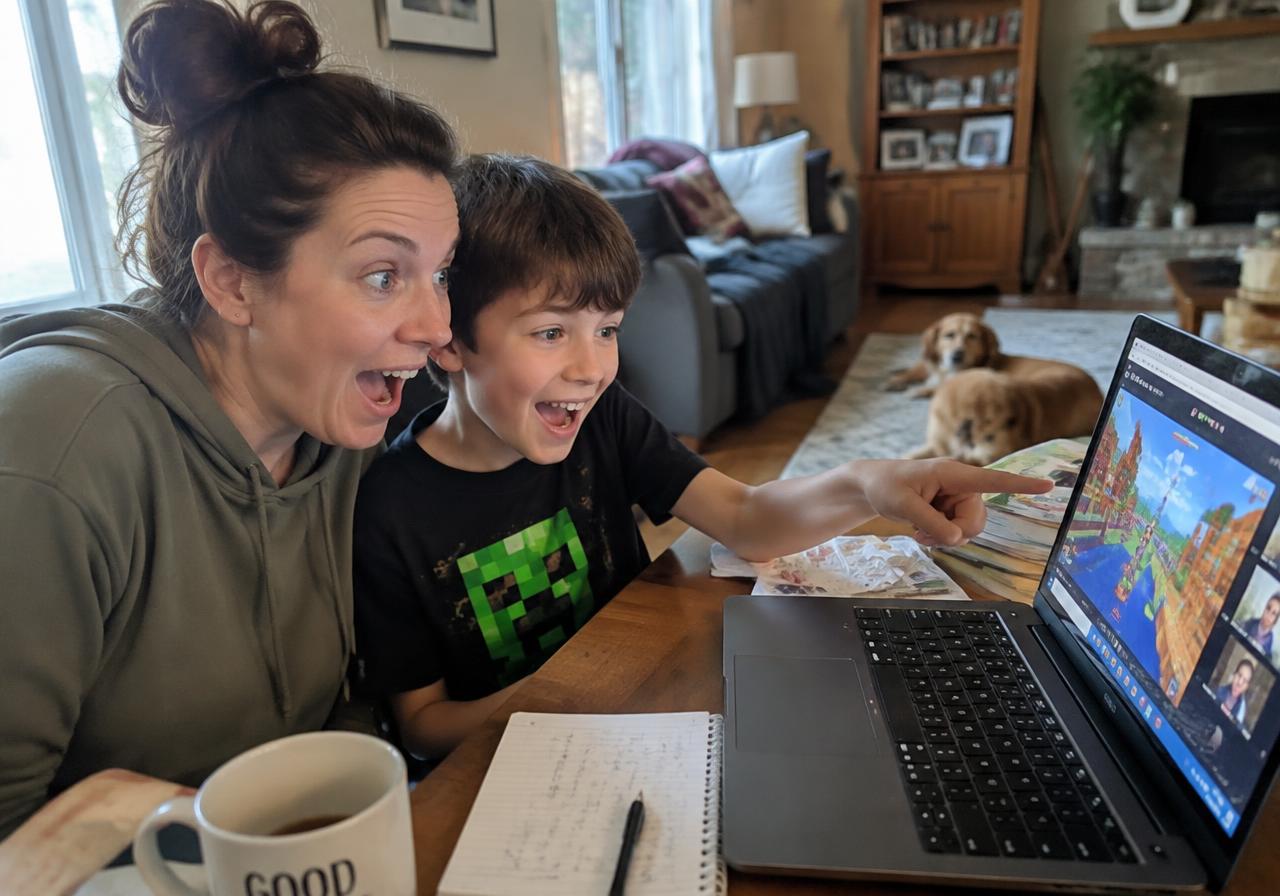
Why we skip the coding syntax.
Kids don't quit coding classes because typing is hard. They quit because week six arrives before anything is fun, and by then the game they came to build is still a drawing on a napkin.
So we flip the order. The reward comes first. The craft follows, creative ideas above all!
What they're practising the whole time: describing a system precisely enough that it can be built, breaking a big idea into pieces that fit in an hour, debugging by watching what actually happened instead of what they expected, and directing an AI toward a result they had in their head. That last one is not a school subject yet. It is already a job skill.
Games you can play right now.
Made the way our kids make them: described out loud, built live, then sent home as a link anyone can open. Click one and play it in your browser.
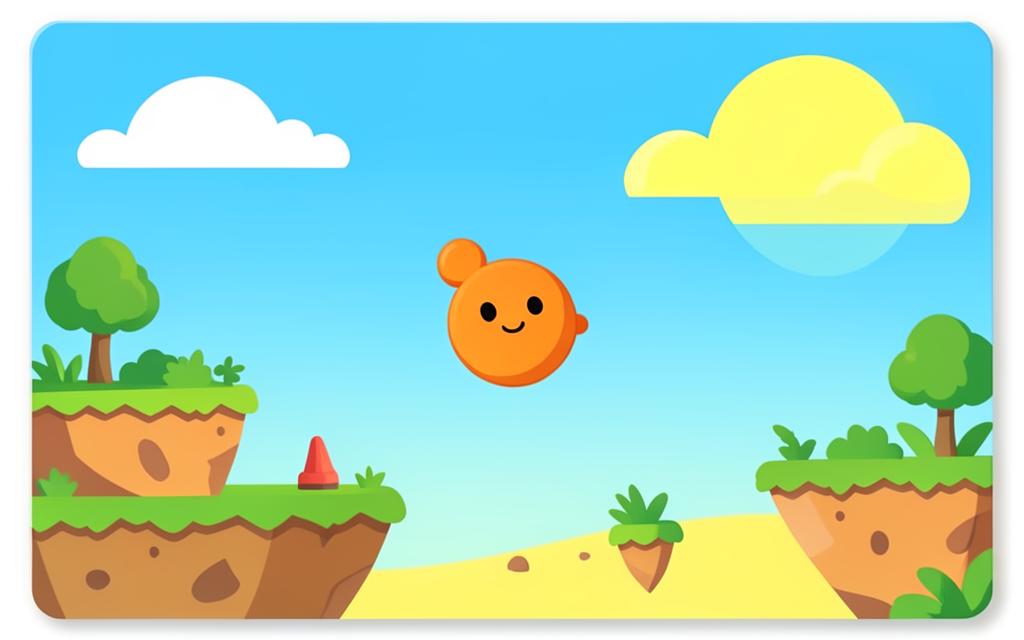
Cover art is illustrated; the links open the real games.
Five sessions. Three weekends.
Two 60-minute live sessions a week, Saturday and Sunday at 10am ET, plus weekday afternoon groups. Groups of six, age split 7–9 and 10–13.
- 1
Ship something — One idea, cut small enough to finish today. It goes home playable.
- 2
Make it hard — Difficulty, scoring, losing. Why a game with no way to fail is boring.
- 3
Make it yours — Characters, art, sound. The game stops looking like everyone else's.
- 4
Playtest and fix — Kids play each other's games, report what confused them, then change one thing at a time.
- 5
Game Night — Families and friends join the call. Each kid presents and everyone plays. Links go out that evening.

Franky — founder and instructor.
Franky: founder, father and instructor.
Ten years building applied games and educational software — serious games used in training, and learning tools that had to work in real classrooms with real deadlines, not just in a demo.
That background decides how these sessions run: small groups, something finished every time, and feedback that treats a kid's game as a real piece of work. Not a lecture, not a worksheet — a studio with an adult in the room who has shipped things.
I teach the founding groups myself, so the person who answers your email is the person on the call.
Built so you don't have to supervise it.
Most AI tools your kid could use for this are written for adults — the terms of service typically require 13 or 18 and up, and they weren't designed with a parent in the room. Ours is the opposite arrangement.
Your kid never creates an account
They work inside a studio workspace we own and moderate. No sign-up, no profile, no inbox.
No open-ended AI chat
The AI builds games. It isn't a companion and it doesn't hold conversations about anything else.
You consent to the tools at checkout
Explicit, itemised, COPPA-aligned. You can withdraw it and we delete the work.
You see everything they make
Every playable link and every session recap goes to your inbox, not just theirs.
Sharing is off by default
Games are private until you say otherwise. Publishing is a decision, not a setting we picked for you.
This is for your kid if…
- +They already build things — Roblox, Minecraft, Lego, comics, worlds in their head.
- +They've described a game to you in far more detail than you wanted.
- +They started a coding class and drifted off somewhere around lesson four.
- +They can read and type on their own, and can hold a 60-minute video call.
It isn't for your kid if…
- –You're looking for a computer-science curriculum with grades and certificates. We don't issue those.
- –They're already writing Python or Lua on their own — they'll find the pace slow.
- –You want a class you can drop them into. The first two sessions go better with an adult nearby.
- –Neither 10am ET on weekends nor 4:30pm ET on weekdays works for you. Those are the only slots this cohort.
Founding cohort.
We're running our first two groups. That's why the price is what it is, why the groups are six kids, and why I'm teaching them myself rather than handing them to someone else.
In exchange I'll ask you for something at the end: fifteen honest minutes about what worked and what didn't.
— Franky, founder
$199
Five live sessions. $49 now, $150 before session one. All prices in US dollars. Subject to availability.
- 5 × 60-minute live sessions, six kids per group
- Studio platform access for the full three weeks
- Every game published to a private playable link
- Weekly recap to parents
- Game Night with families in session five
If your kid finishes session one and doesn't want session two, we refund everything. No form, no call.
Frequently asked questions
Write to us!
Not sure which group fits your kid, or wondering how the sessions actually run? Send a note — Franky reads and answers every message himself, usually within a day or two.